


I told Luana my obby idea and it made the checkpoints, coins, and shop way faster than I could.
Pharao_2088
Luana generates LuaU code, builds 3D assets, and syncs everything directly to your Roblox Studio project.
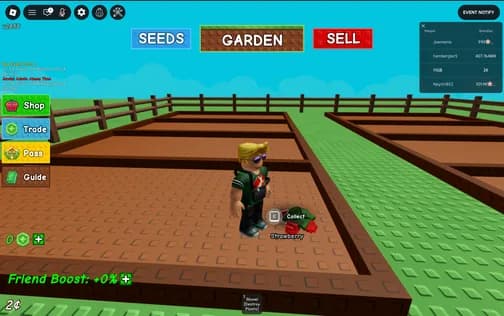
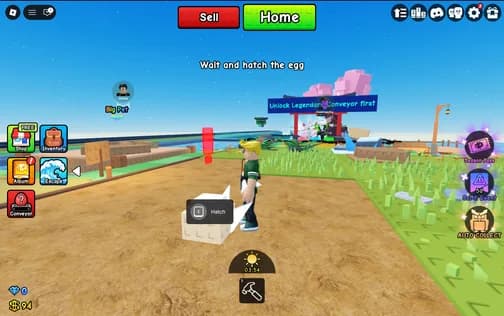
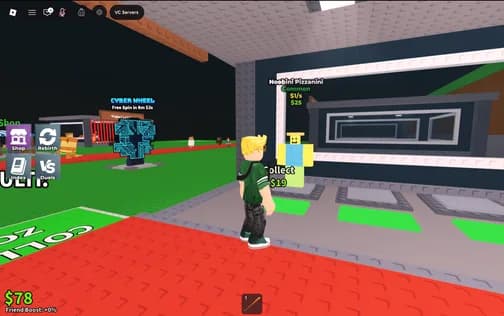
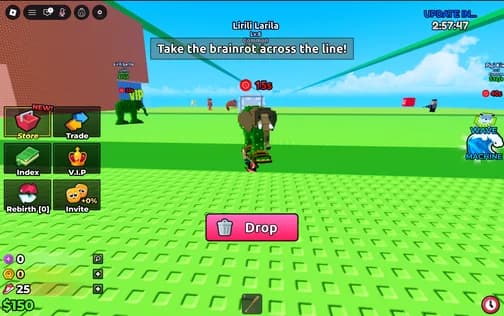
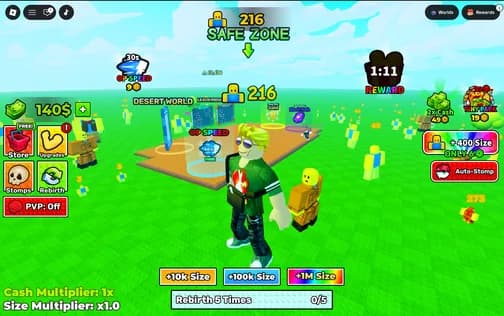
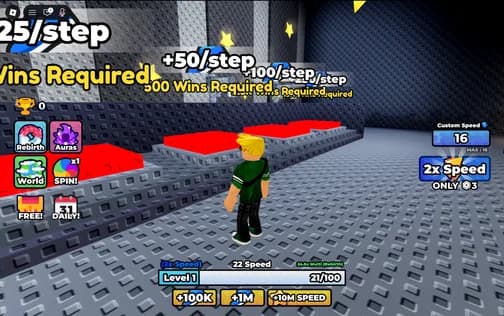
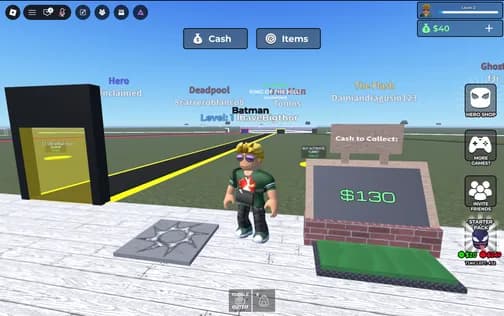
I told Luana my obby idea and it made the checkpoints, coins, and shop way faster than I could.
Luana fixed my tycoon buttons and helped me add upgrades. Big W for building after school.
I asked for a pet system and Luana actually put the scripts where they should go in Studio.
My simulator finally has rewards, coins, and a working UI. Luana made it feel real.
I was stuck on leaderstats forever. Luana made it work and explained it so I understood.
I made a round system for my minigame and Luana helped with the timer, wins, and respawns.
Luana is clutch when I have an idea but no clue how to script it. The game updates feel easy now.
I built my lobby, teleport pads, and gamepass door with Luana. It felt like creative mode.
File sync, safe generation, and more — so you can just build.
Files automatically sync with Studio.
Auto-playtests and fixes issues.
Powered by Claude, ChatGPT & Gemini for best results.
Roll back to any past iteration.

Custom context data keeps output precise.
Describe any 3D object and Luana builds it for you — game-ready in seconds.
Describe any shape and Luana assembles it from Roblox parts — no modeling skills needed.
Generate game-ready 3D meshes and ship them straight to your Roblox Studio project.
From idea to Roblox Studio in minutes.
Set up a project, link your game, and you're ready.
Describe what you need. Luana writes Luau that fits your project.
Review, apply, and changes sync to Studio instantly.
Publish your experience or asset and start earning.
Everything you need to know before starting with Luana.
Luana is for anyone who wants to build on Roblox — whether you're a first-time creator, someone who's tried to learn Luau before and got stuck, or an experienced developer looking to speed up your workflow.
If you've played around with Roblox Studio before, you'll feel right at home, since Luana seamlessly syncs with your project structure. If you're new, Luana will naturally teach you how things work as you build. In fact, starting with Luana might even be easier.
Roblox Assistant is based on models that perform decently, but often fall behind newer, specialized models in complex coding tasks. Luana uses top-tier private models (like Claude and Gemini), and selectively boosts them with our own contextual Roblox data to generate far more accurate code and even complete 3D assets. We constantly evaluate and refine these models to ensure you get the best results possible.
Luana connects directly to Roblox Studio through a Studio plugin. You can install our official plugin by searching for "Luana" in the Studio toolbox, or download it directly here. Once installed, any code or 3D assets you generate in Luana are synced automatically to your open Studio project.
Yes. Luana is fully compliant with Roblox's terms. We don't replace Studio or interfere with its engine; we simply act as an external tool that syncs code and assets into it.
Roblox has a long history of supporting external tools (like Rojo), and recently encouraged more of them. Luana builds on that, being beginner-friendly, AI-native, and designed to help the next generation of creators.
Luana gives every user daily free credits (enough to try several prompts). For heavier usage, users can purchase a subscription or additional credit packs to support our ongoing development and cover the costs of top-tier AI models.
Join the developers already using Luana to build Roblox games faster.
Start Creating